Turn Markdown into beautiful documents
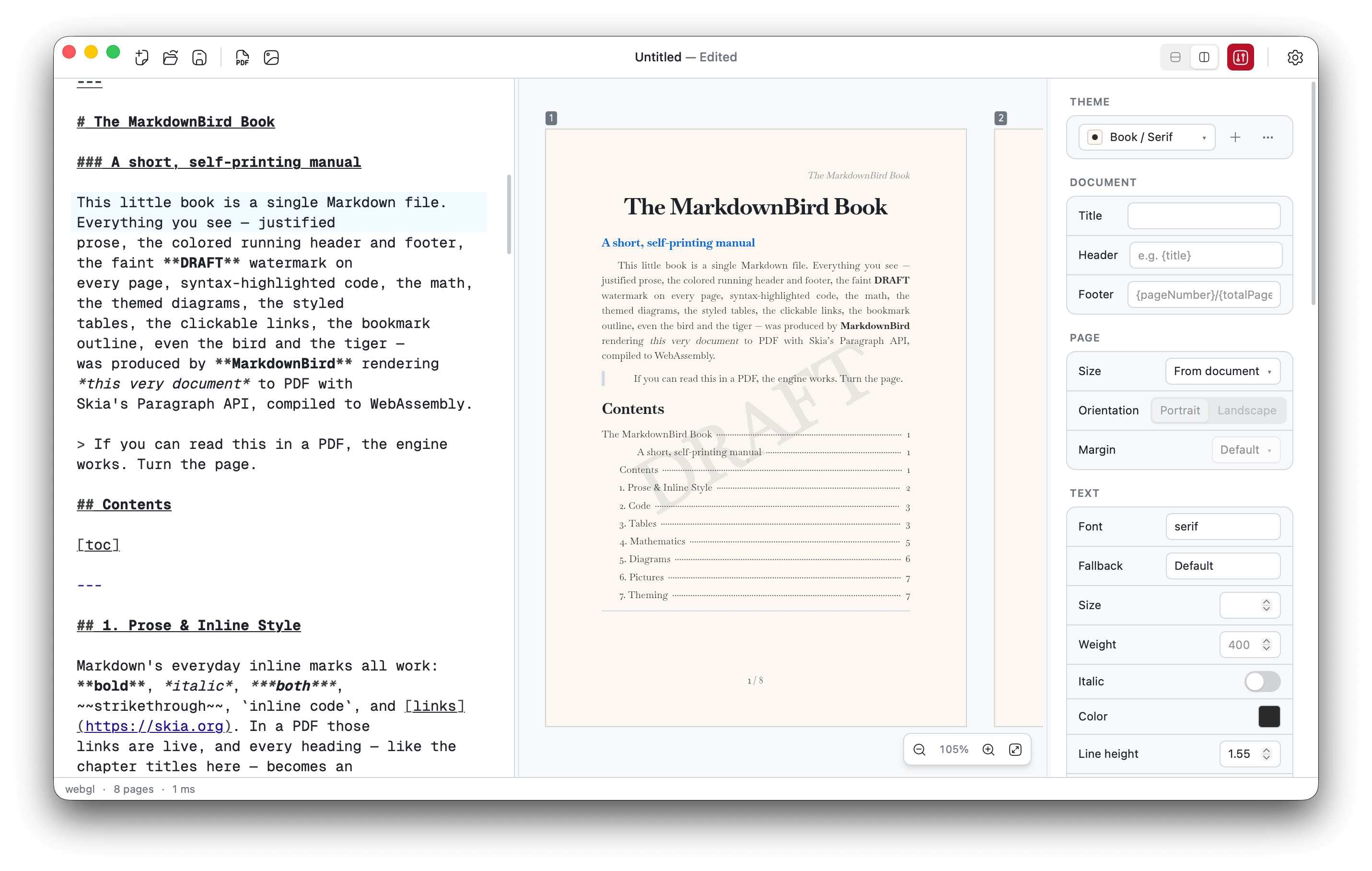
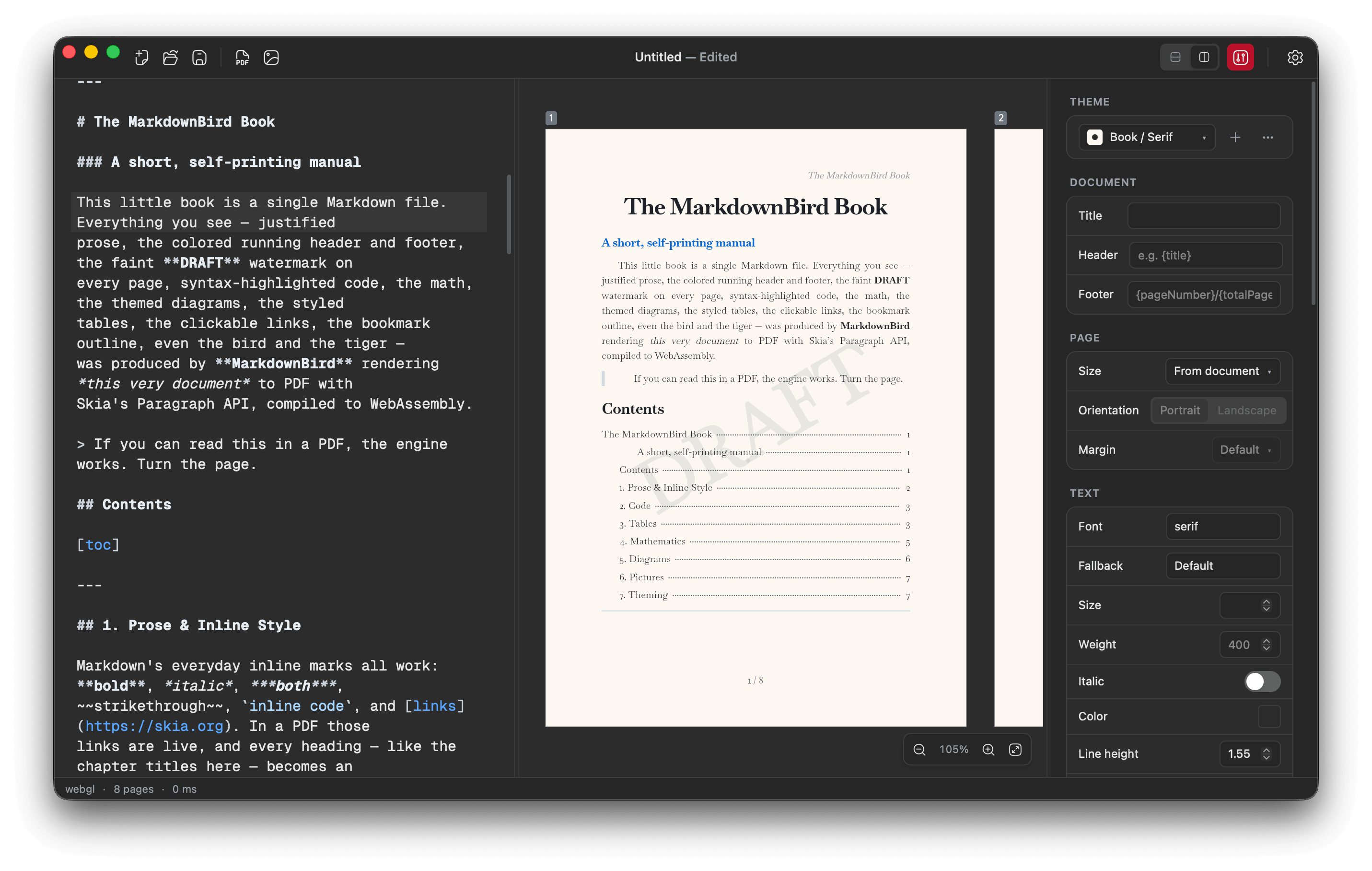
MarkdownBird renders your Markdown exactly as it will export — fonts, code, math, Mermaid diagrams and charts always look right. Then save it as crisp, print-ready PDF, PNG or SVG and share anywhere.
Free for macOS, Windows & Linux · No account required
Features
Everything you need for beautiful documents
A focused editor that treats your writing the way a designer would.
Flawless typography
Every glyph, ligature and line break is placed with the precision of professional print.
PDF, PNG & SVG export
Export documents crisp at any size — perfect for printing, sharing or the web.
Live preview
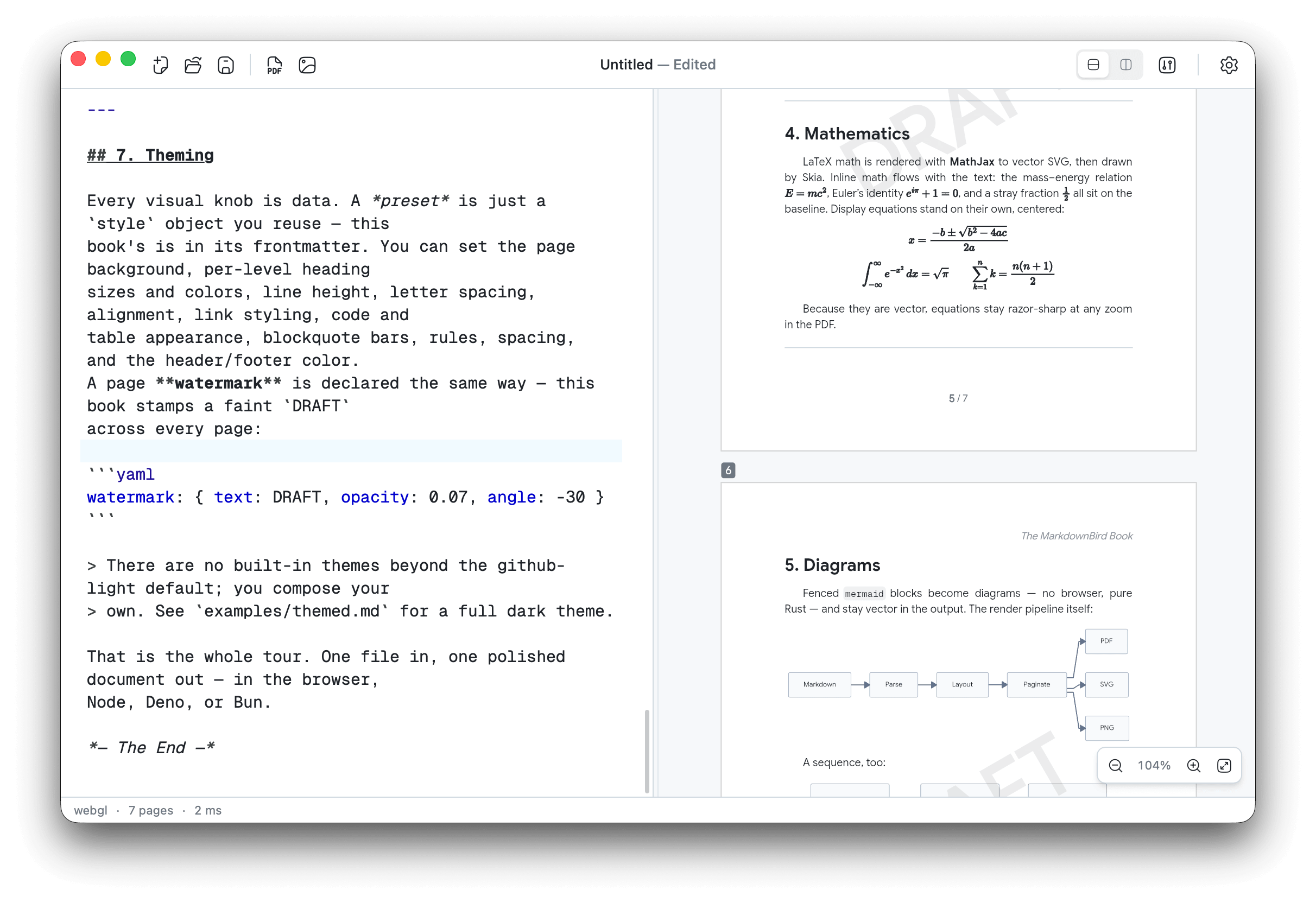
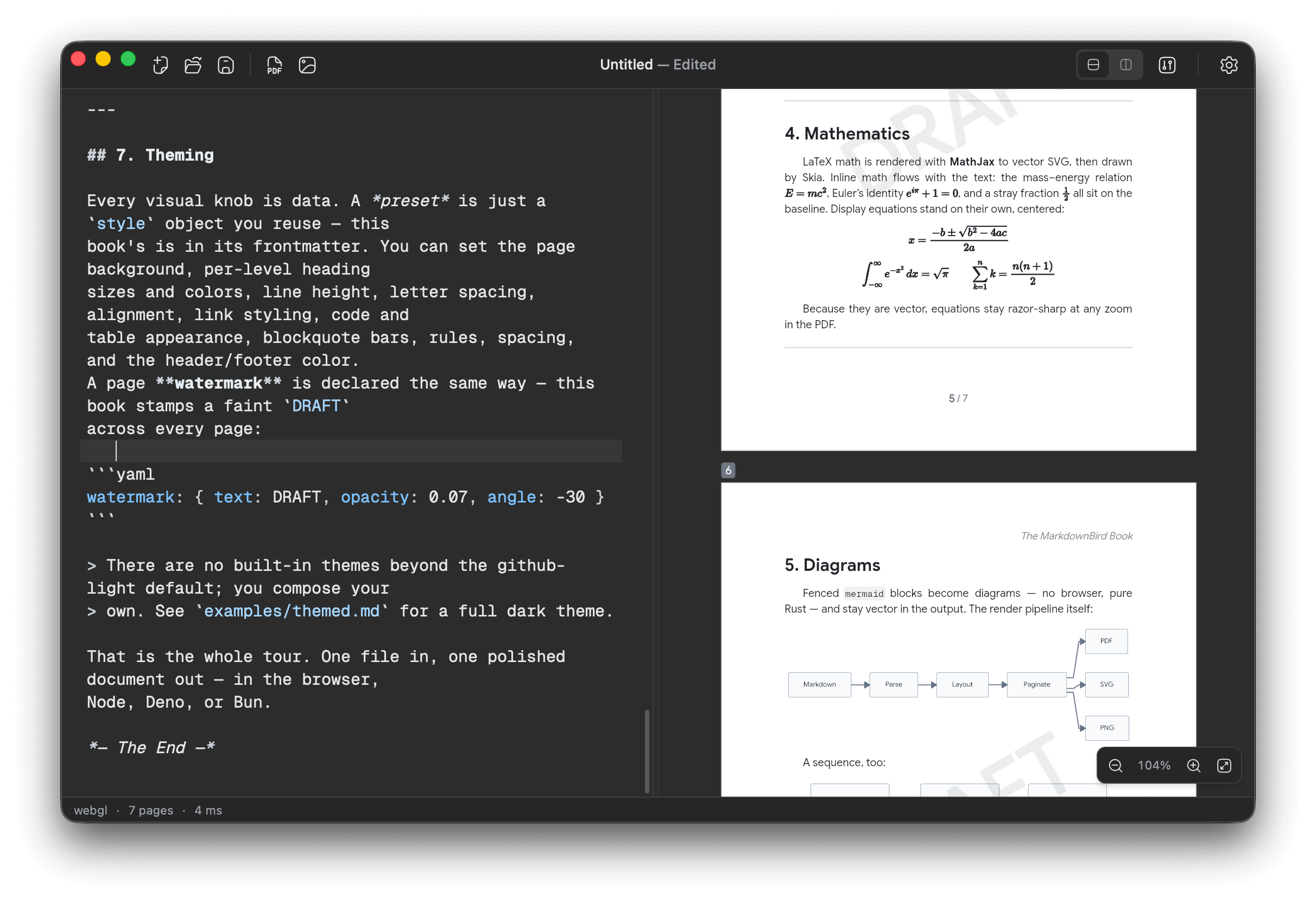
A side-by-side view shows exactly how your document will look as you type.
Beautiful code blocks
Code is highlighted clearly across hundreds of programming languages.
Mermaid diagrams
Write flowcharts, sequences and more as plain text — rendered and exported with your document.
Charts
Plot bar, line, pie and more straight from your data — written as plain text, exported with the page.
Math & formulas
Write inline or block math and see it typeset beautifully.
Theme presets
Save and switch document looks — fonts, colors and spacing — as reusable presets.
Fonts & emoji
Embed custom fonts and full-color emoji that travel with your exports.
Workflow
What you write is what you get
No surprises between what you write and what you export — the preview is exactly what you get.
- Write in plain Markdown, see the rendered page instantly
- Tune fonts, margins and page size from the inspector
- Export print-ready PDF or share-ready PNG in one click
On the go
Convert from Telegram
Drop or forward a Markdown file to @mdbirdbot from any device — get a polished PDF back in seconds. No app to install.
@mdbirdbot
bot
Drop a file, get a PDF
Send any Markdown file to @mdbirdbot and it replies with a rendered PDF — nothing to install.
Send a whole batch
Drop several files at once and they come back converted, grouped into a single message.
Right inside group chats
Add the bot to a group, then @mention it with a file attached — or reply to one — to convert it.
Fonts from your frontmatter
Name a Google Font in the frontmatter and the bot downloads it automatically for the render.
For developers
Beyond the editor
The same engine that powers the app runs in your terminal and your automations.
mdbird CLI
Render Markdown to PDF, PNG or SVG straight from the terminal — perfect for CI pipelines and batch jobs.
MCP server
Run it as an MCP server so AI assistants like Claude can generate finished documents for you.
One engine everywhere
The editor, CLI and library share a single Rust + Skia core, so the output is byte-for-byte identical.
# Render a document from the terminal
mdbird report.md -o report.pdf

# Or run it as an MCP server for AI assistants
mdbird mcp
Private by design
Your words stay yours
No cloud, no account, no telemetry — just a fast native app on your machine.
100% on your device
Rendering runs locally in a native app. Your documents never touch a server.
Works offline
No internet required — write and export on a plane, off-grid, anywhere.
No account
No sign-up, no login, no tracking. Download it and start writing.
Buy once
A one-time license — never a subscription. Free to try, with a small watermark.
Comparison
Built for export, not just notes
Notion and Obsidian are great places to write. MarkdownBird is built to turn your writing into polished, shareable documents.
 | |||
|---|---|---|---|
| Pixel-perfect PDF export | |||
| PNG image export | |||
| SVG export | |||
| Custom fonts in exports | |||
| Full page & margin control | |||
| Math & code in exports | |||
| Mermaid diagrams in exports | |||
| Charts in exports | |||
| Works fully offline | |||
| No account required |
FAQ
Frequently asked questions
Start turning Markdown into beautiful documents
Download MarkdownBird and export your first pixel-perfect PDF in minutes.